
Awesome news, we now have a dedicated testimonials section!
To add this to your website, you need to create a new page and add the testimonials block to it. This creates a testimonials section which comes with a form allowing customers to submit testimonials. All testimonials must be approved before they are shown on the website. Testimonials are managed inside the Dealership section. From here, you can approved testimonials that have been submitted, or you can add ones manually yourself.
Any testimonials that have been marked as featured can also be displayed inside a featured testimonials page block. This block shows a carousel of testimonials, ideal for your homepage!
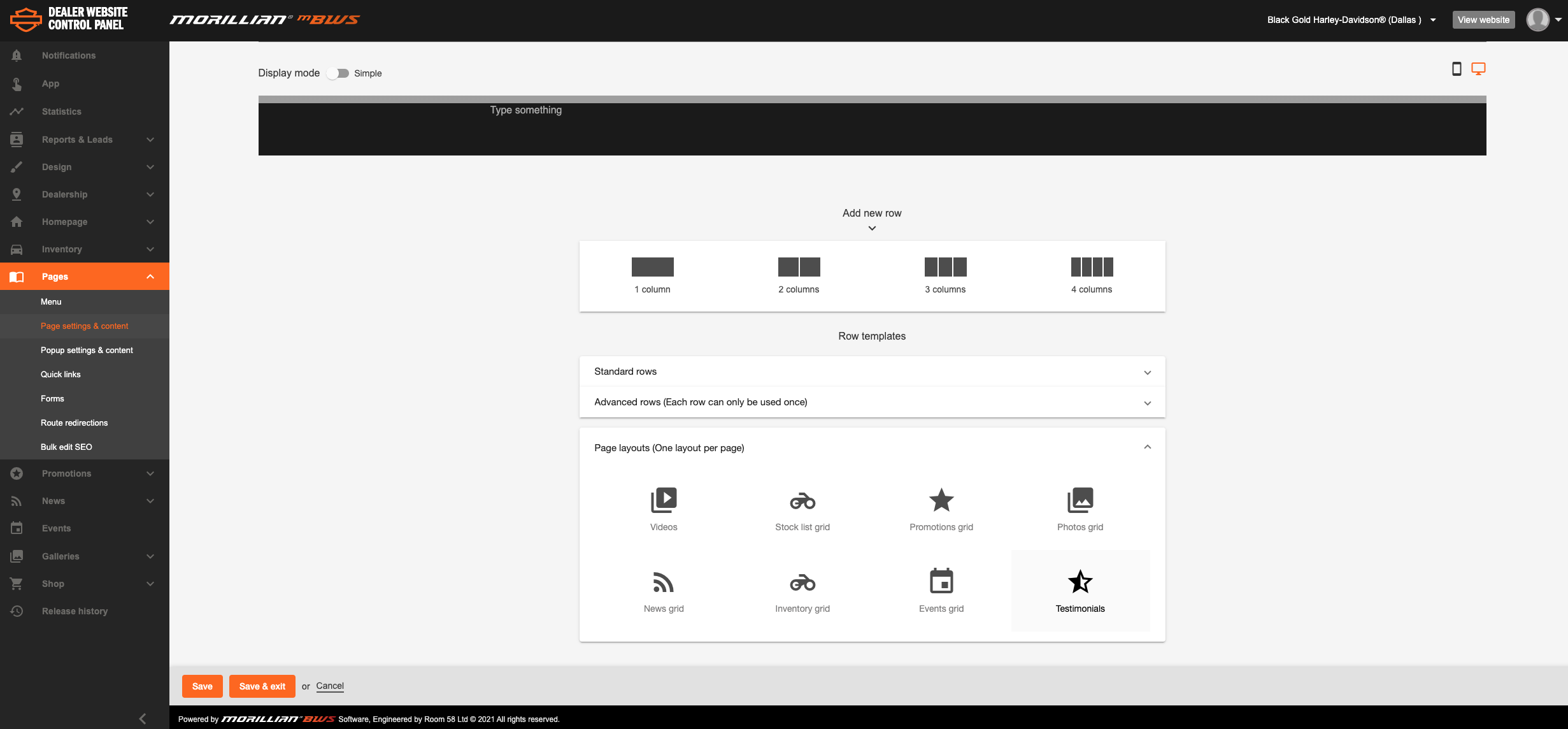
You can either create a new page or add the "testimonials" module/block to any existing page. You'll find the testimonials module in the page builder when adding a new content block/row under the dropdown "page layouts (one layout per page)". This will then load into the page so when customers visit it, they can submit their own testimonial and also view all approved testimonials on that page.
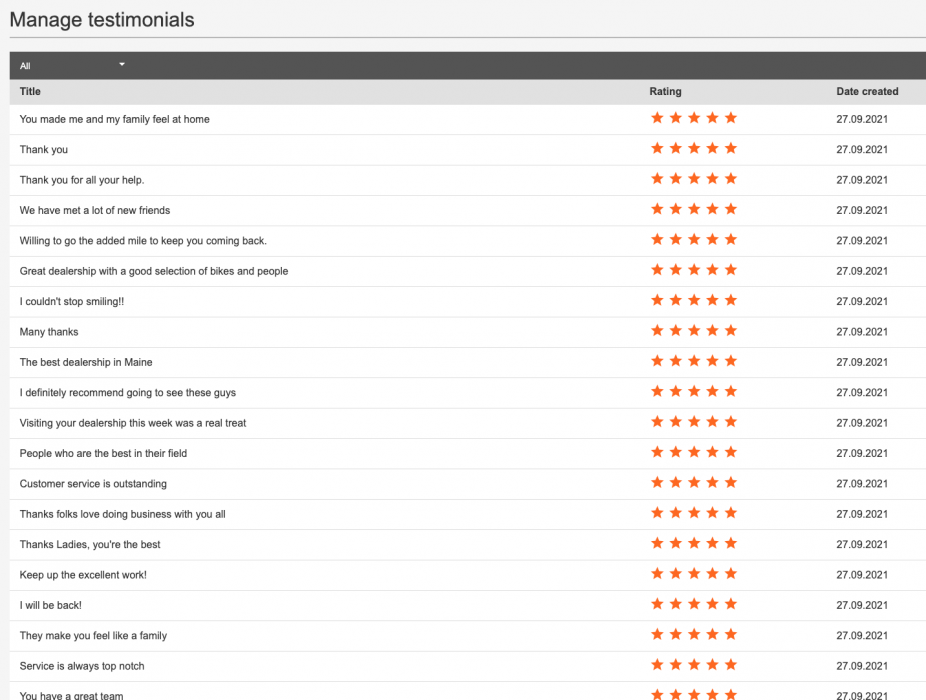
Here's where you can view all submitted testimonials and also add your own manually: Head to the admin panel and select "dealership" - here you'll spot the testimonials tab, click here and you'll then see all of the submitted testimonials which you can choose to publish by hitting the eye symbol.

You can also hit the star icon to "feature" that particular testimonial in a "featured testimonials" carousal that can be added to any page of the website too! To add the "featured testimonials" carousal simply head to whichever page you'd like to add it to within the page builder and under the module dropdown titled "advanced rows (Each row can be used more than once)" you'll see the featured testimonial module.
Comments
0 comments
Please sign in to leave a comment.