
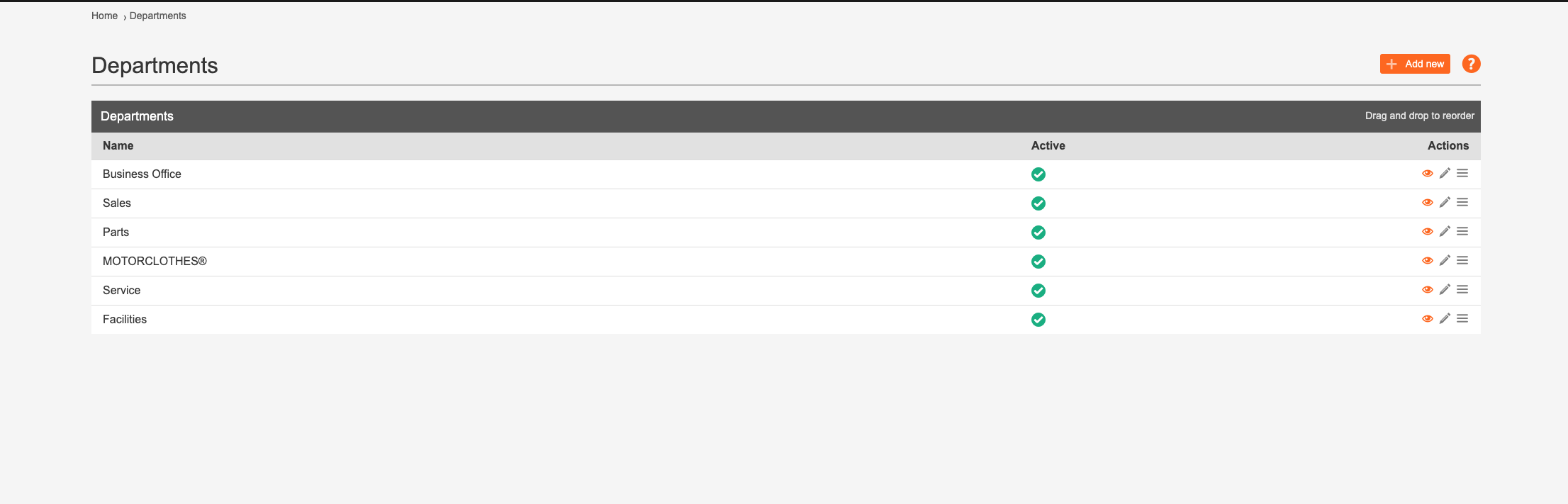
To create departments to categorise your team members, simply head to the admin panel and select "dealership" and then "departments. From here you will be able to create specific department categories, and once you're happy with your list you can then select "dealership" again and then select "Staff".

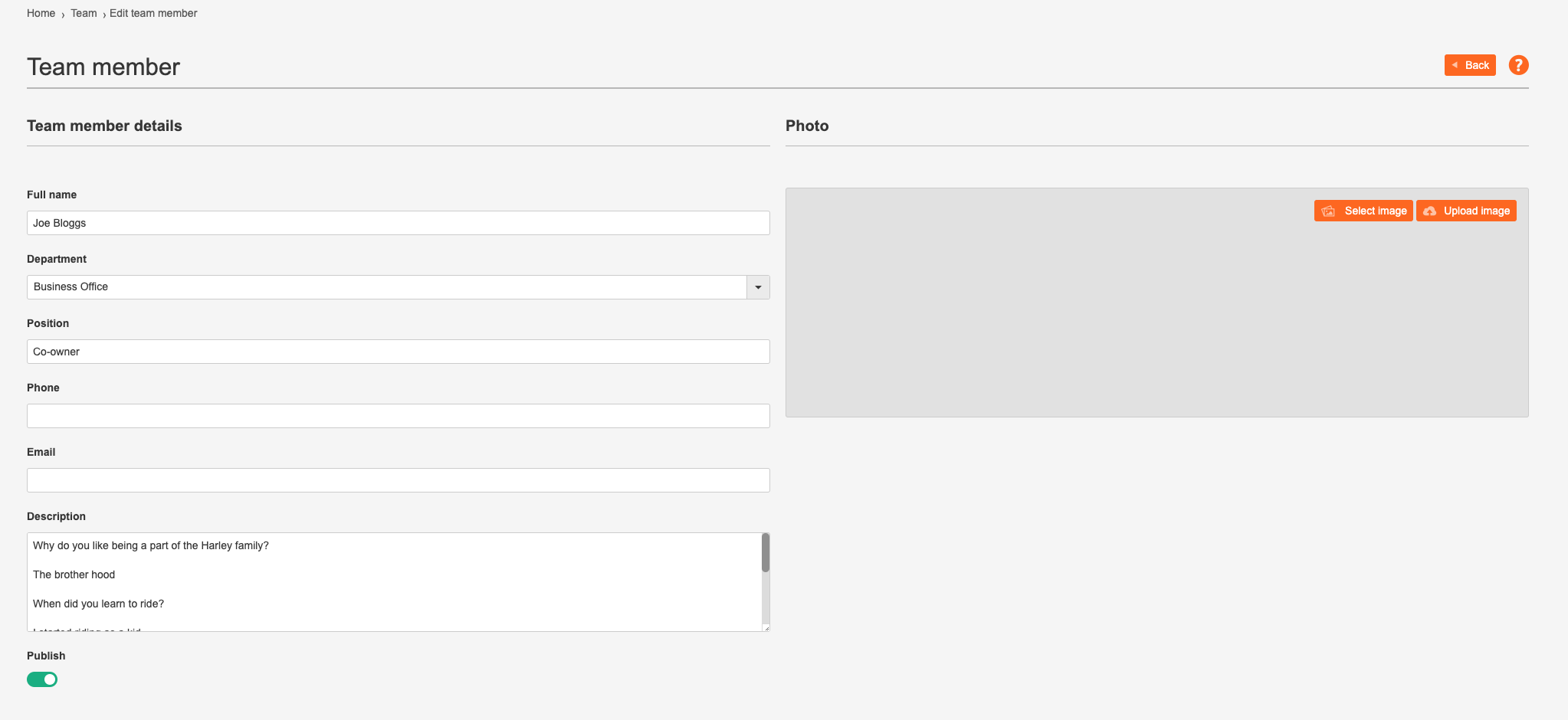
You'll then be able to pick a department for each team member from the dropdown section where the staff details are held.
Comments
0 comments
Please sign in to leave a comment.