
To edit your profile, log in to the admin panel
Click on your avatar and you will see a dropdown with options to edit your profile, change your password and view notifications.
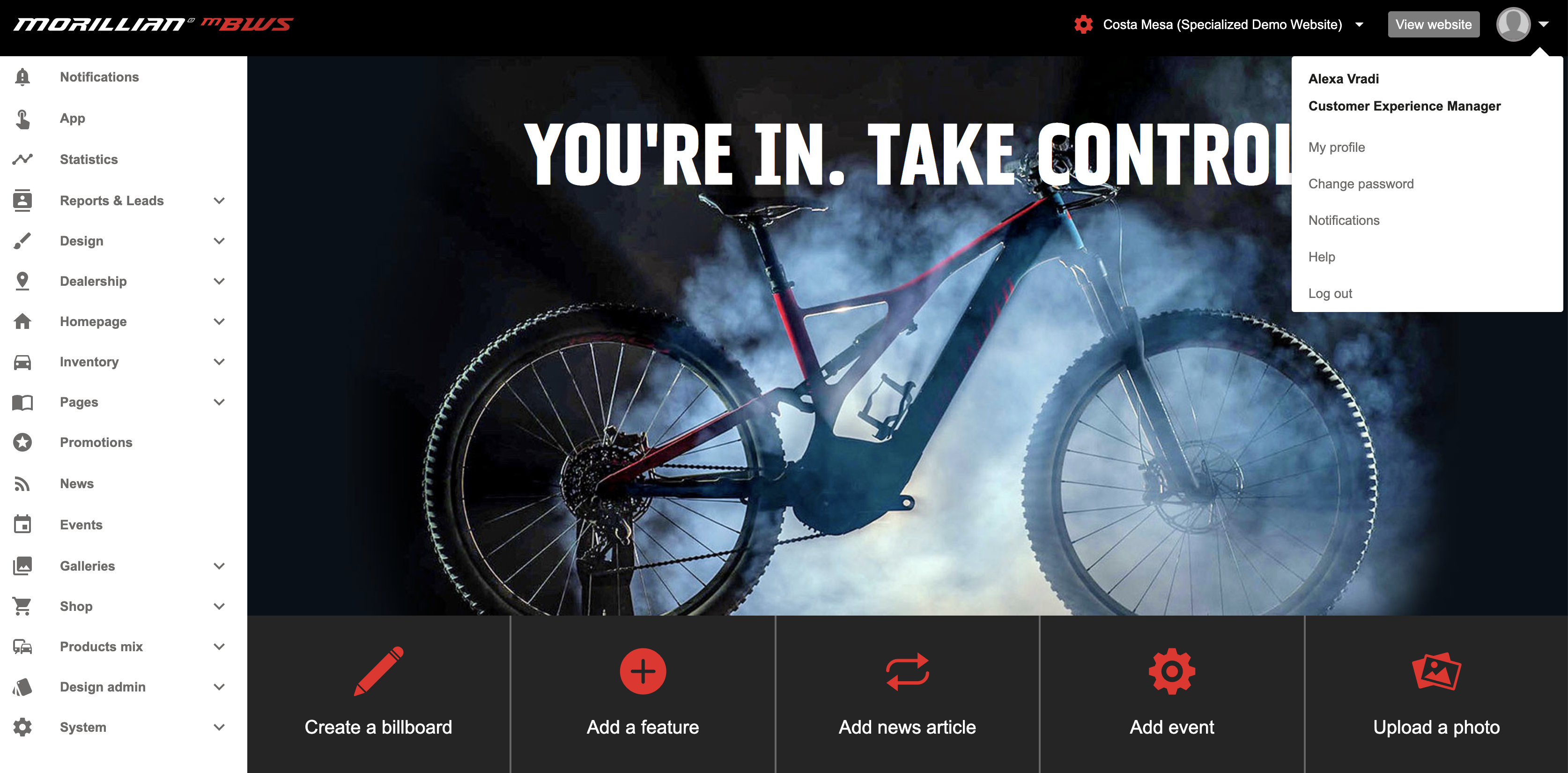
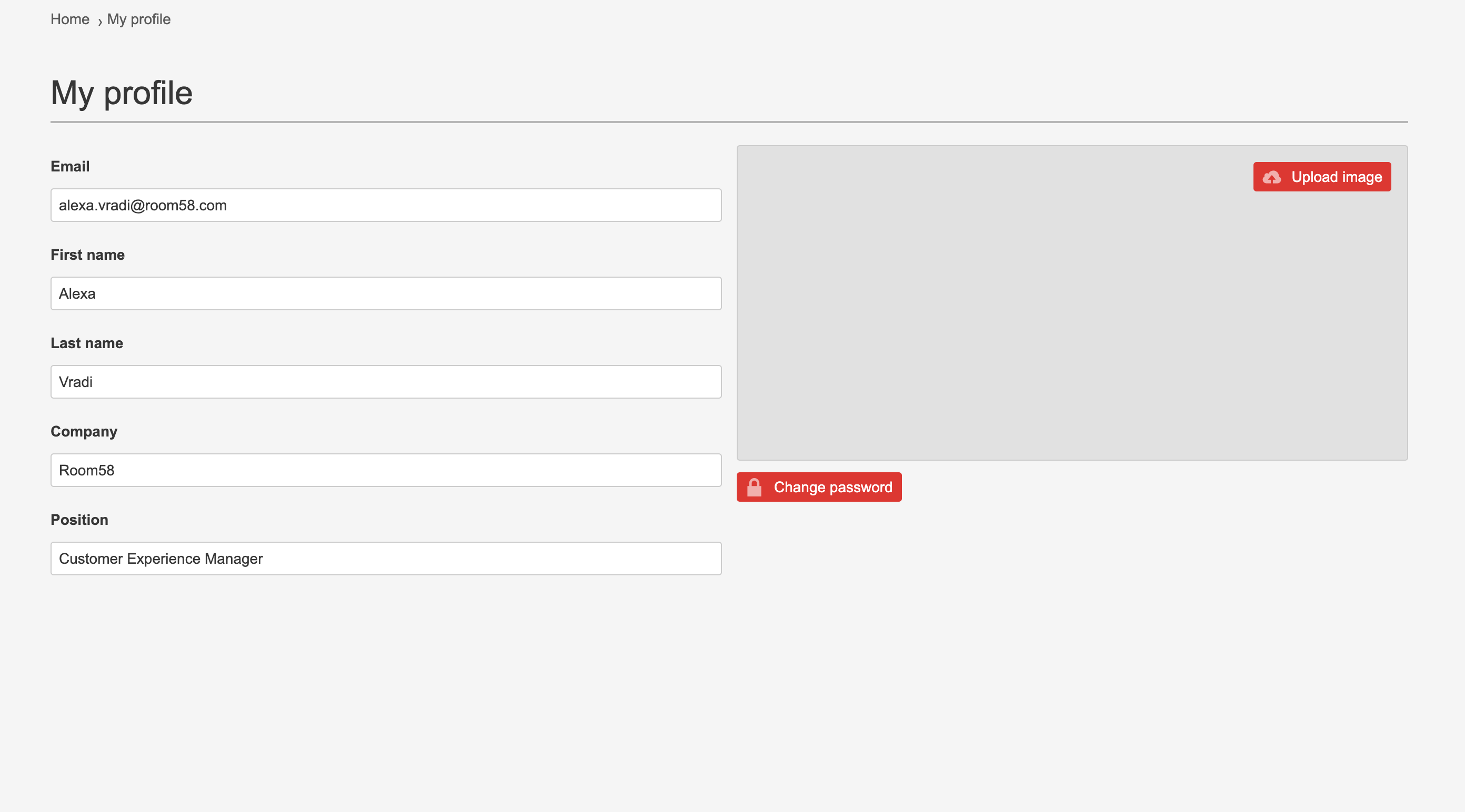
Click on "My profile" to update your name, email address, the company you work for, your title and add your picture. Once you're done, click "Save".
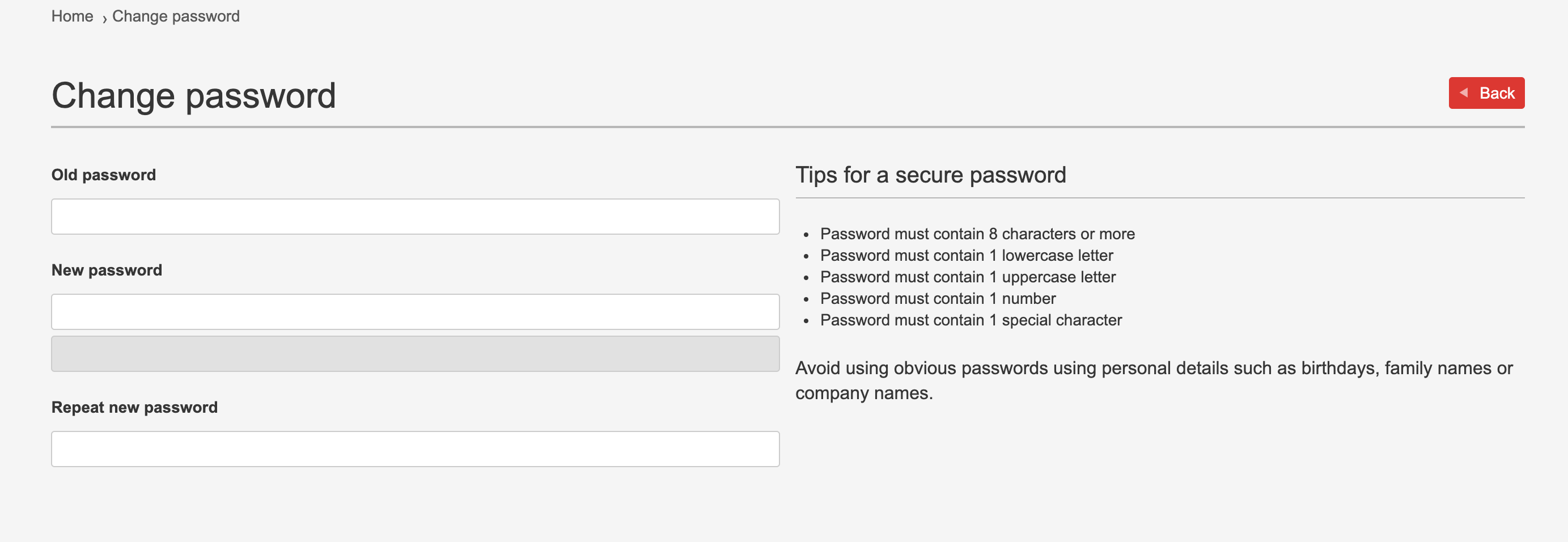
To change your password, click on "Change password", enter your old and then new password and click "Save". You can also see tips on creating a secure password:
Lastly, click on Notifications to see the latest updates and news about the admin panel and its features.
If you have any questions, do not hesitate to contact us at support@room58.com
Comments
0 comments
Please sign in to leave a comment.