
To manage your website's menu, log in to the admin panel, click on Pages and then Menu.
You will see a list of the top level menu tabs and next to each there will be a down-facing arrow; click on that and you will see the sub-menu tabs appear.
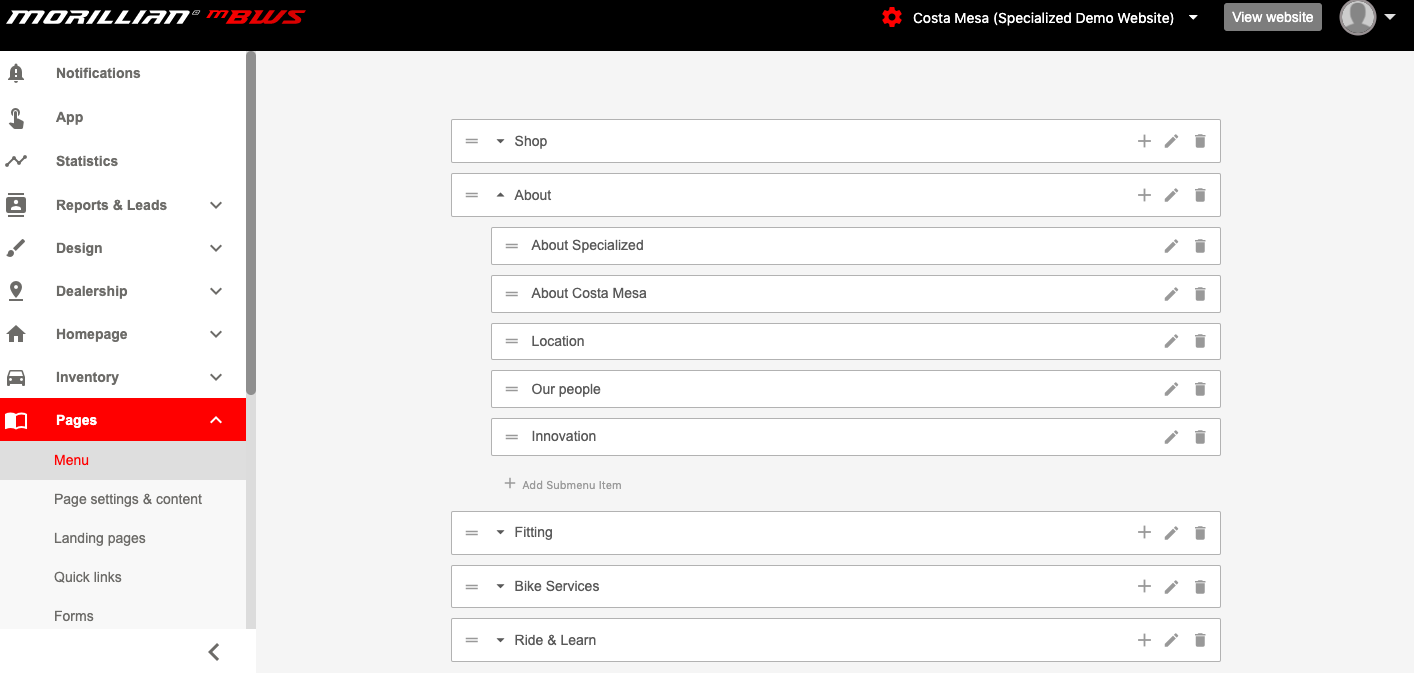
You can reorder the menu tabs by clicking on the two horizontal lines on each tab and dragging and dropping into position.
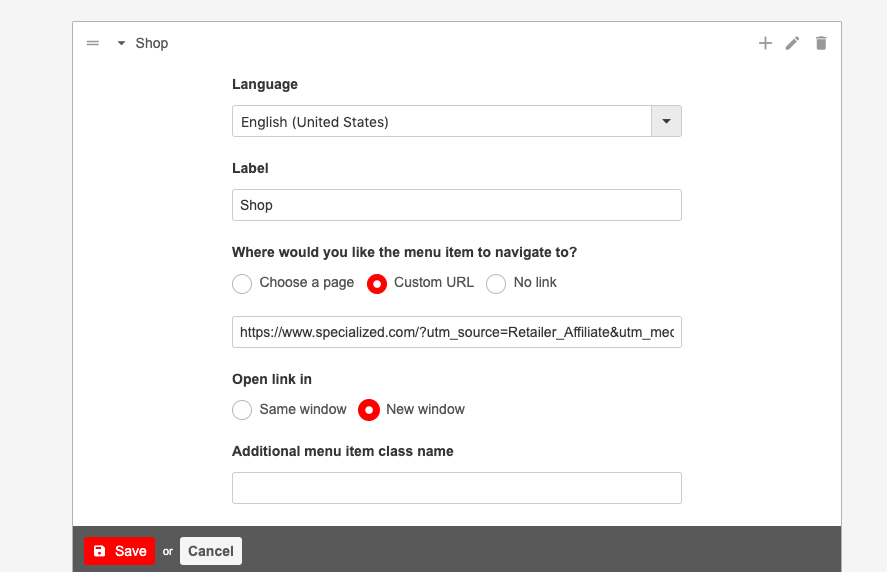
To edit an existing tab, click on the pencil icon, add the tab label and link it to either an existing page in your website or an external page.
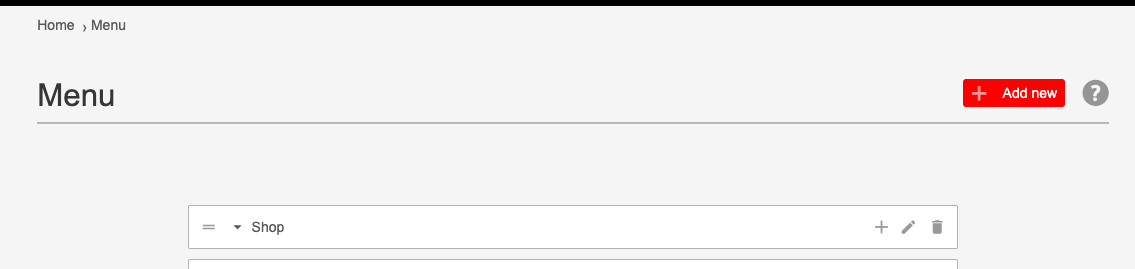
To add a new top level menu tab, click the Add New button on the top right hand corner.
To add a new sub-menu tab, click on the "Add Submenu Item option.

Comments
0 comments
Please sign in to leave a comment.