
You can create your own individual hangtags for the different units within your inventory. To do this from the admin panel you would go to "Inventory" and then select "Hangtag generator." From here you can filter the bikes to find the unit that you want to generate the hangtag for. You can also filter to see which bikes haven't had a hangtag created yet.
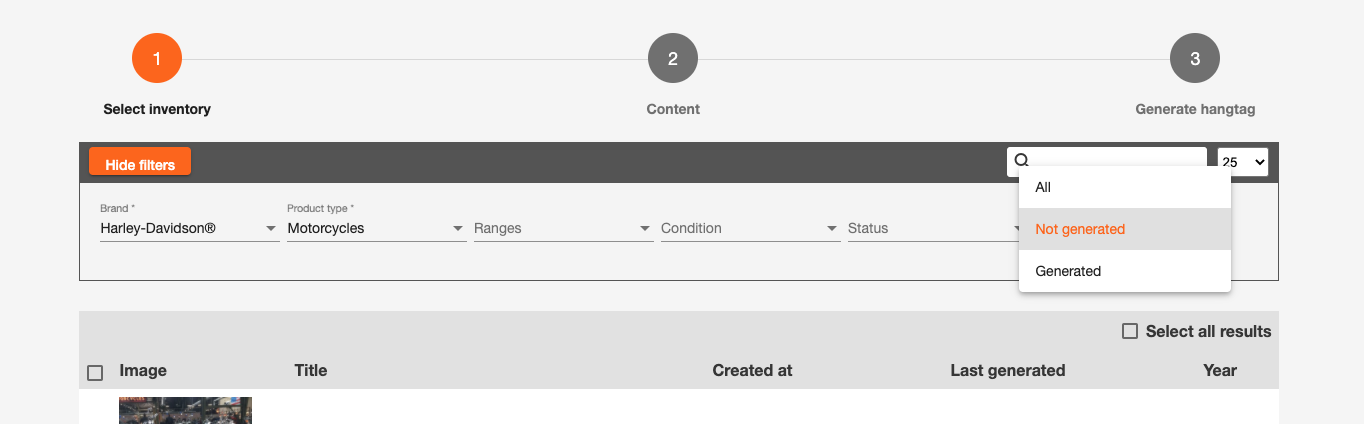
Once you have found the bike that you wish to create the hangtag for, you need to select it by ticking the box to the left hand side of the unit and then select "next."
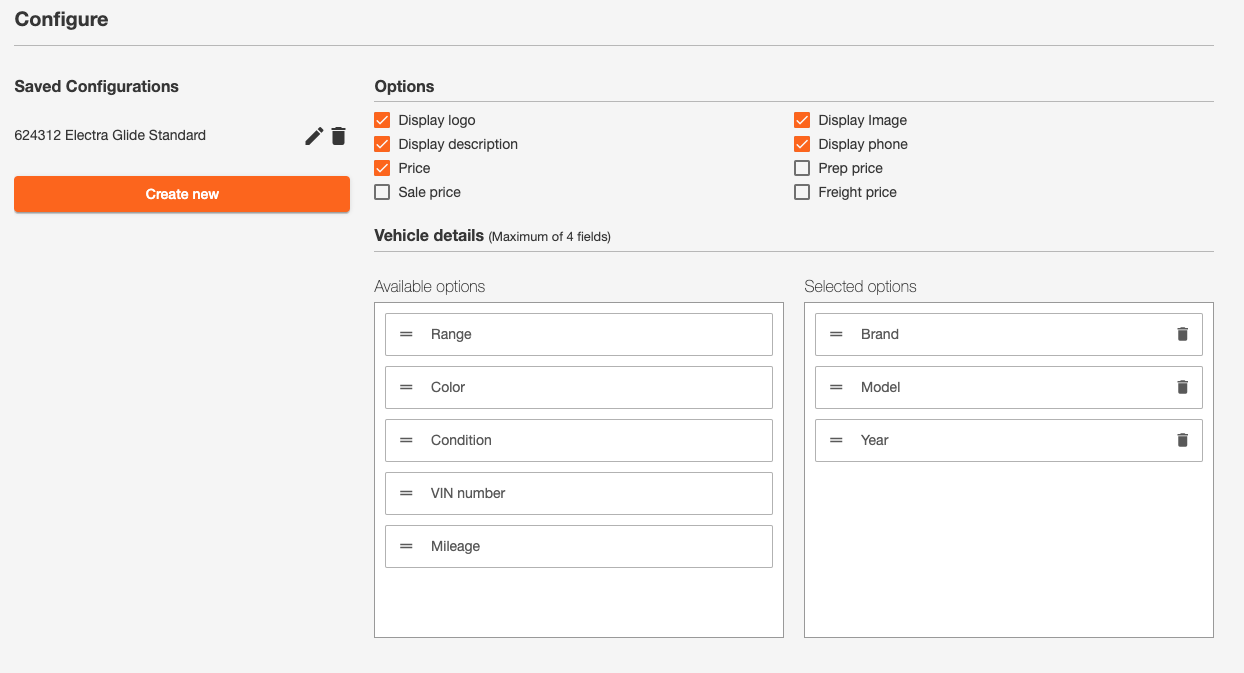
You'll then see three different template options, select the one you wish to use. You then need to configure the data that you wish to show on the hangtag. You'll be able to tick the different "options" such as logo, description, price, image etc. You can then drag and drop the "vehicle details" and "specifications" you wish to show on the hangtag. You can add as much or as little information as you wish!
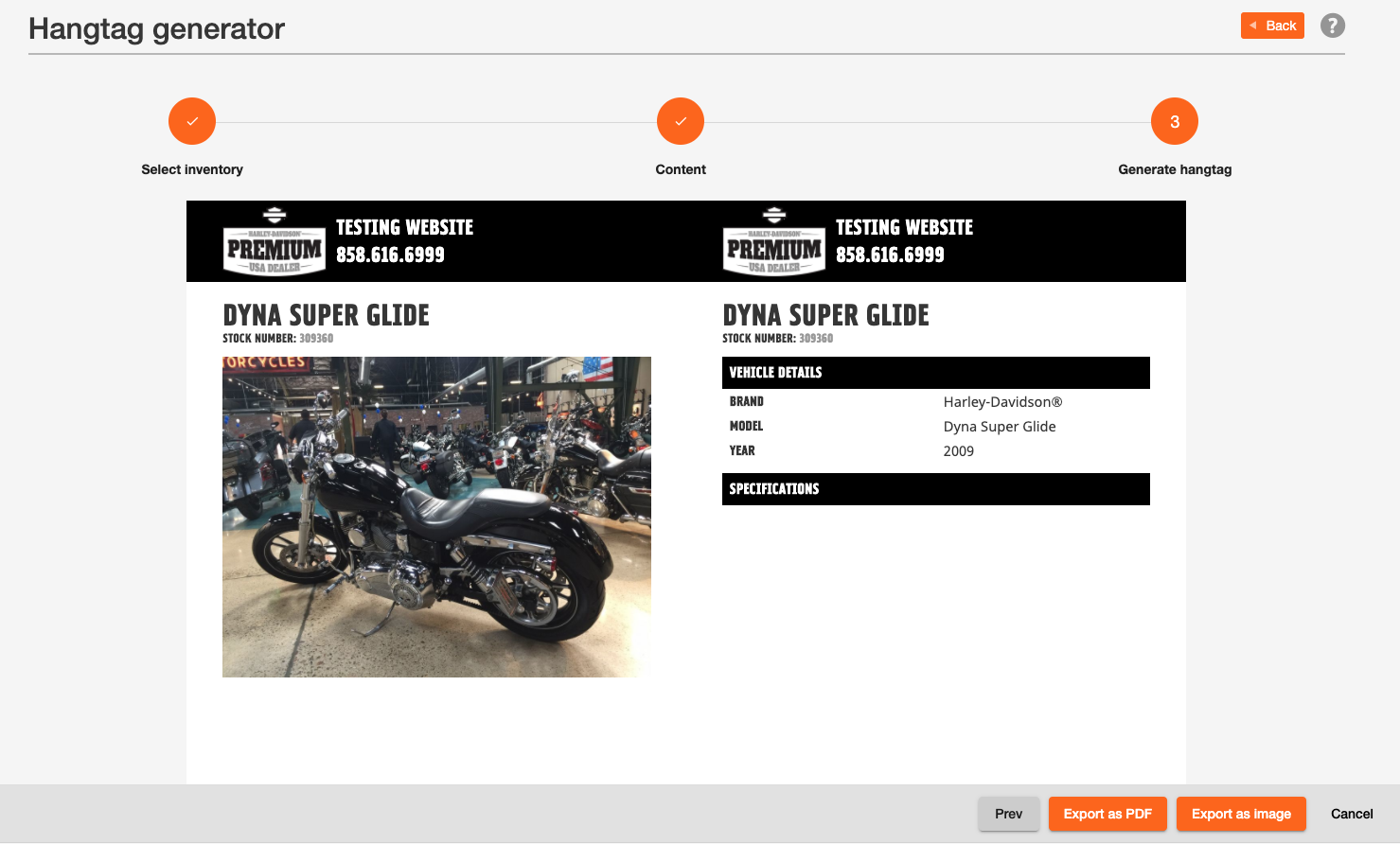
You can then scroll down and add free text (only available on the first and second template) and a disclaimer. Once you are happy with the hangtag, you can select "next" which gives you a preview. If you wish to change the information displayed then you can change this by selecting "prev."
Once you are happy, you can then select "Export as PDF" or "Export as image", whichever works best for you!
Comments
0 comments
Please sign in to leave a comment.